

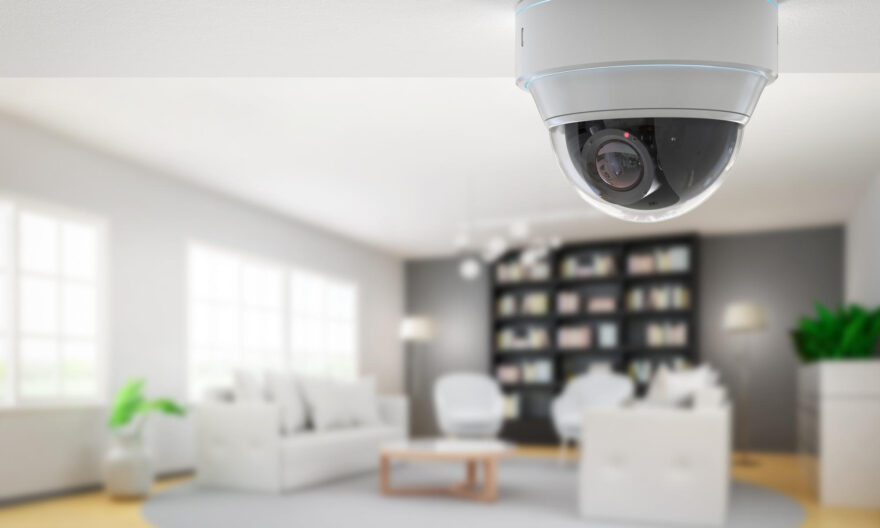
The most effective locations for wireless IP cameras include front and back entrances, driveways, corridors, stairwells, and common blind spots such as side gates and garage areas. Cameras should be mounted at a height of 2.4 to 3 metres, angled downward at roughly 15 to 45 degrees, to capture clear facial and activity details without obstruction.
If you are a homeowner or property manager trying to strengthen your security setup, camera placement matters more than the number of units you install. A poorly placed camera leaves gaps. A well-positioned one covers critical zones, deters intruders, and gives you usable footage when it counts. Choosing the right wireless IP camera in Singapore is just the first step knowing exactly where to install it is what completes the system.
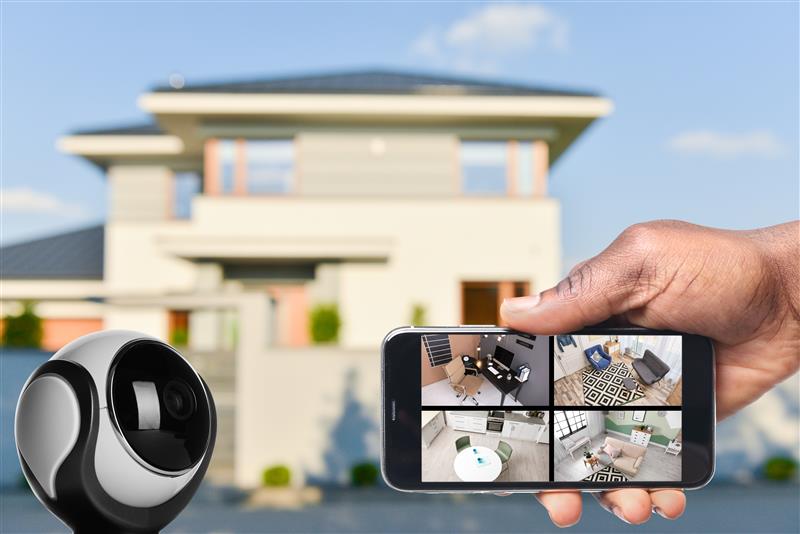
Start With Entrances: Your First Line of Defence
Entrances are the highest-priority zones for any camera installation. Most break-ins and security incidents begin at a door, gate, or driveway. Covering these points first gives you both deterrence and documentation.
For a landed home or commercial unit in Singapore, the standard approach is:
- Main front door: Mount a camera above the door frame, angled to cover the face of anyone approaching. Avoid pointing it directly at the sky or street with no foreground context.
- Driveway or car porch: Position the camera to capture vehicle number plates and the full width of the entry path.
- Back door or service entrance: Often overlooked, rear entrances are a common vulnerability in terrace and semi-detached homes.
- Main gate or intercom area: For gated homes and condominiums, a camera here creates a first-contact record of every visitor.
Even for HDB flats, placing a camera to cover the front door and the corridor immediately outside is a practical and commonly adopted approach. According to the Singapore Police Force’s crime prevention advisories, home burglaries most frequently occur through unlocked doors and accessible entry points making entrance surveillance the single most impactful placement decision.
Covering Corridors and Internal Pathways
Corridors, hallways, and internal pathways connect the entry points of your property to its more private areas. Leaving them uncovered creates a gap where movement goes undetected.
How High Should Corridor Cameras Be Mounted?
Mount corridor cameras at approximately 2.4 to 2.7 metres. This height captures the full body of a person in frame while remaining high enough to avoid tampering. In narrow corridors, use a wide-angle lens (90 to 120 degrees) to cover the full length without needing multiple units.
For multi-storey homes, install a camera at the top of each staircase landing. This single position can monitor both upward and downward movement without blind spots forming mid-flight.
Identifying and Covering Blind Spots
Blind spots are areas your cameras technically face but cannot see clearly usually due to poor angle, obstruction, or insufficient field of view. Addressing them is a key part of any professional CCTV camera placement strategy in Singapore.
Common blind spots in Singapore residential properties include:
- Side gates and passages: The narrow path between two terrace houses is a frequent entry point that often has no lighting or camera coverage.
- Garage interiors: Vehicles, tools, and storage are targeted items. A camera inside the garage facing the entry door is highly effective.
- Garden perimeters: Large gardens benefit from a camera positioned at a corner, capturing diagonal views across the space rather than straight-line views that miss the sides.
- Underground carparks (for condominiums) These require cameras at each pillar junction and at lift lobby entrances for full coverage.
When conducting your home camera installation, walk the entire perimeter of your property at eye level. Note every area where someone could approach, linger, or exit without being seen. These are your true blind spots.
Wireless IP Camera Placement for Condominiums and HDB Properties
Singapore’s dense urban housing types HDB flats, condominiums, and shophouses each come with unique placement considerations.
HDB Flats
In HDB units, cameras are typically limited to the front door area. A compact IP camera mounted just inside the unit, facing the main door through a wide-angle lens, provides coverage without extending into public corridors which is subject to HDB and PDPA guidelines on surveillance in shared spaces.
Condominiums
Private condominium owners can install cameras within their own unit boundary. Key placement points include the main entrance, balcony (if accessible from outside), and car park bay. Management corporations (MCSTs) often install shared surveillance at lobby areas and lift landings but unit-level systems are the owner’s responsibility.
Landed Properties
Landed homes in Singapore offer the most flexibility. A minimum of four cameras is recommended for a standard terrace house: front entrance, rear entrance, and one camera on each side passage. Larger bungalows may require six to eight units depending on boundary length and garden size.
What Viewing Angles Work Best for Each Location?
Choosing the wrong angle is one of the most common mistakes in wireless security camera setup. The goal is always to capture identifiable detail not just motion.
| Location | Recommended Angle | Ideal Lens / FOV |
|---|---|---|
| Front entrance / door | Slightly downward, facing entry path | 90–110° wide angle |
| Driveway | Angled to capture number plates | Narrow FOV or varifocal lens |
| Corridor / hallway | Along the length of the path | 110–120° wide angle |
| Garden / perimeter | Corner-mounted, diagonal sweep | Wide angle with IR night vision |
| Garage interior | Facing the entry point from above | 90° fisheye or standard wide |
| Side passage | End-mounted, full-length view | Standard 90° lens |
Outdoor vs. Indoor Camera Placement: Key Differences
Indoor and outdoor cameras serve different functions, and mixing them up leads to wasted coverage and unnecessary exposure of the equipment.
Outdoor cameras for Singapore’s climate need to be rated at minimum IP66 for weather resistance, given the year-round humidity, rain, and heat. They should also include infrared night vision, as most incidents occur after dark. Positioning them under an eave or overhang protects both the lens from rain glare and the unit from direct sun damage.
Indoor cameras should avoid being placed near windows where backlighting will overexpose the image. Pointing an indoor camera toward a bright window essentially renders it useless during daytime. Instead, mount it on the opposite wall facing the entry direction, with the light source behind the camera.
Practical Tips Before You Mount Anything
A few pre-installation checks will save you significant time and ensure your wireless security camera setup actually performs as expected.
- Test Wi-Fi signal strength at each mounting point: Wireless cameras are only as reliable as the network signal they receive. Use your phone to check signal strength at each intended location before drilling.
- Check for glare and backlighting: Visit each spot during the brightest part of the day and assess whether a light source will interfere with image clarity.
- Review your camera’s field of view specifications: A 90° lens and a 130° lens will produce very different coverage from the same mounting position. Match the spec to the location.
- Consider motion detection zones: Many IP cameras allow you to define specific detection regions. Configure these after installation to reduce false alerts from passing traffic or tree movement.
- Account for cable management: Even wireless cameras need power. Plan your cable routing to a nearby socket or opt for solar-powered units where outdoor power access is limited.
Kirin CCTV offers a range of IP camera Singapore suited for both indoor and outdoor installation, with options designed specifically for the humidity and lighting conditions common in local residential and commercial properties. Explore the full selection to find units matched to your coverage zones before committing to a layout.
Frequently Asked Questions
How many wireless IP cameras do I need for a standard Singapore home?
For a typical HDB flat, one to two cameras covering the main entrance is sufficient. A standard terrace house in Singapore generally requires four cameras front, rear, and both side passages to achieve full perimeter coverage without significant blind spots.
Is it legal to install IP cameras outside my home in Singapore?
Yes, homeowners in Singapore can install cameras on their own property. However, cameras must not point into neighbouring homes or shared public spaces in a way that infringes on personal data privacy, as governed by the Personal Data Protection Act (PDPA) administered by the PDPC.
What height should I mount an outdoor IP camera in Singapore?
The recommended mounting height for outdoor IP cameras is between 2.4 and 3 metres. This height reduces tampering risk, keeps the camera above eye level, and provides a downward angle effective for capturing facial features and full-body movement at entry points.
Can wireless IP cameras work reliably in Singapore’s humid outdoor conditions?
Yes, provided the camera carries at least an IP66 weatherproof rating. Singapore’s high humidity and frequent rainfall require cameras with sealed housings. Mounting them under an eave or overhang provides additional protection and extends the operational lifespan of the unit significantly.
What is the best camera placement to avoid blind spots in a landed property?
Mount cameras at corners diagonally rather than facing a single straight line. Corner-mounted cameras capture two zones with one unit. For side passages, position the camera at the far end facing inward so the entire length of the passage falls within the field of view.
Do I need a professional installer for wireless IP camera setup in Singapore?
For basic single-camera setups, DIY installation is manageable with the right tools. For multi-camera systems covering full perimeters, a professional installer ensures correct angles, signal strength testing, and proper configuration of motion zones reducing gaps that a self-installed system might miss.